Capacity Leveling Visualizer
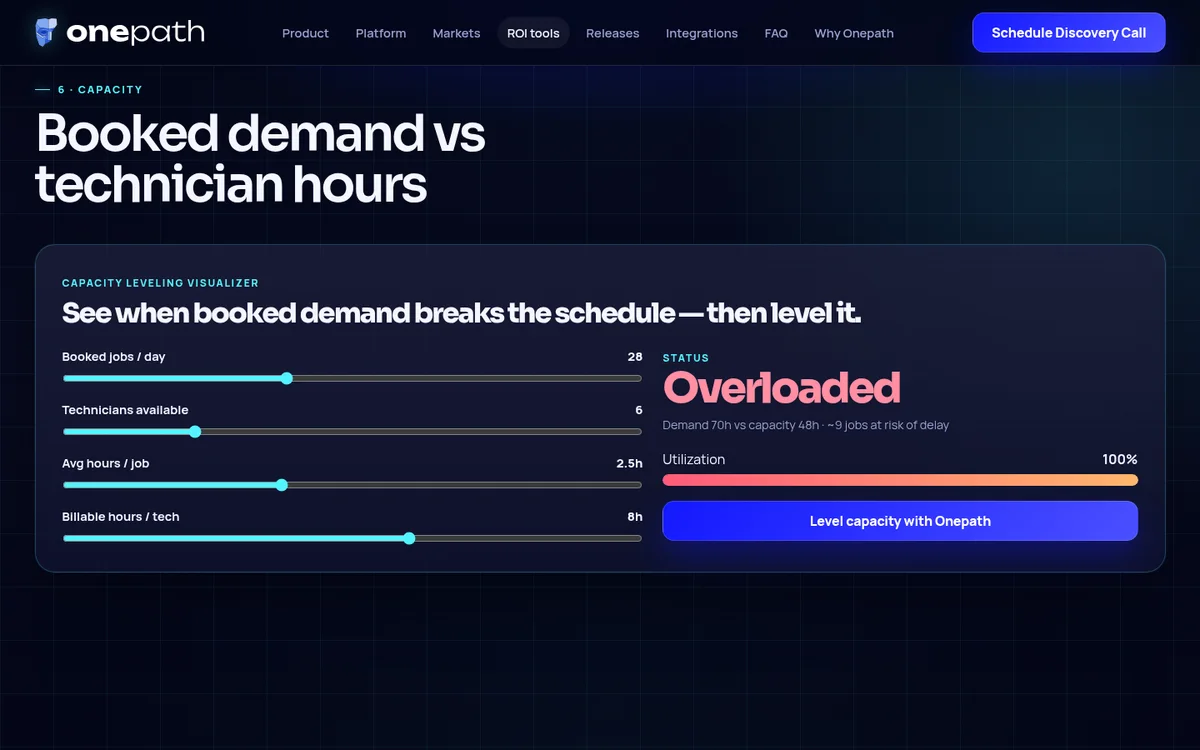
SKU HBC-074Jobs per day, tech count, job hours, and available hours visualized as a capacity picture — where the schedule buckles, and what leveling it looks like. An operations conversation rendered as a picture instead of a spreadsheet.
 Live now on Onepath AI
Click the screenshot to open the real, live instance.
Outcome, tier, and proof — before you buy.
Primary intent
Run operations
“Book, dispatch, reviews, warranties”
Performance tier
Tier 4 · Operations
Tier 4 · Operations — books, reviews, retention
Outcome
Makes overloaded and idle days visible — the case for smarter intake and scheduling
Featured: Onepath AI
Why your website needs the Capacity Leveling Visualizer.
Owners feel overbooked days and idle days in their gut; seeing both on one visual makes the case for smarter intake and scheduling. It moves the conversation from “more leads” to “the right jobs on the right days.”
Everything included when you order this component.
Every line below is delivered on the Capacity Leveling Visualizer build. Nothing gets pulled out for an upsell — this is what you get for $2,040.
- Capacity model — jobs/day, techs, hours per job, hours per tech
- Visual leveling view highlighting overload and idle windows
- Framing copy tying capacity to intake and booking quality
- Contact handoff with the modeled scenario
This is the Capacity Leveling Visualizer running in production.
- Read the launch storyOnepath AI
Capacity Leveling Visualizer on the dev build (build record, Jul 2026)
A few quick questions when you check out.
Just enough for the team to scope your build without a back-and-forth. Everything else gets confirmed on your kickoff call.
- Anything we should know for this component?Optional
Optional — brand rules, examples you like, or anything unusual about your setup.
Often ordered together.
 Operations
Estimate Approval & E-Sign
Branded estimates customers approve, sign, and pay online in minutes — Good/Better/Best tiers, legally binding e-sign, and Stripe deposit capture end the estimate chase.
$7,650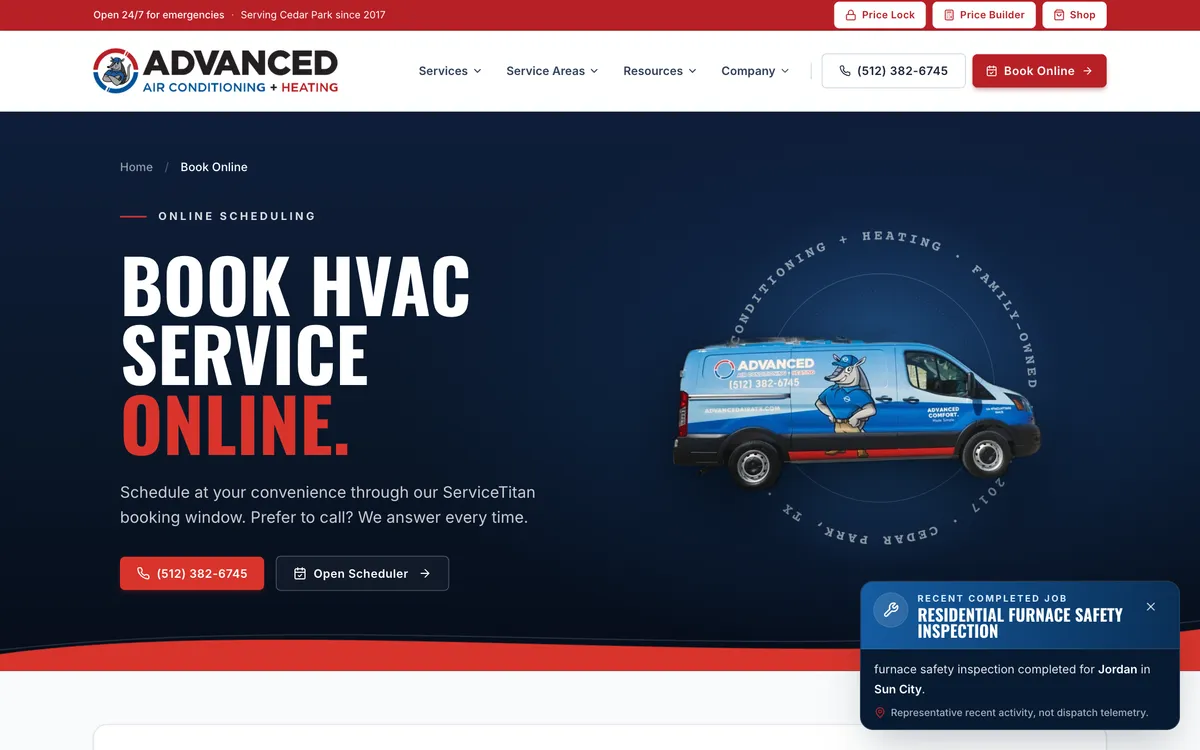 Operations
Online Booking & Dispatch
A real-time slot picker that writes directly into ServiceTitan, Housecall Pro, or FieldEdge — the homeowner books a real slot, dispatch stays clean, nobody double-books.
$3,400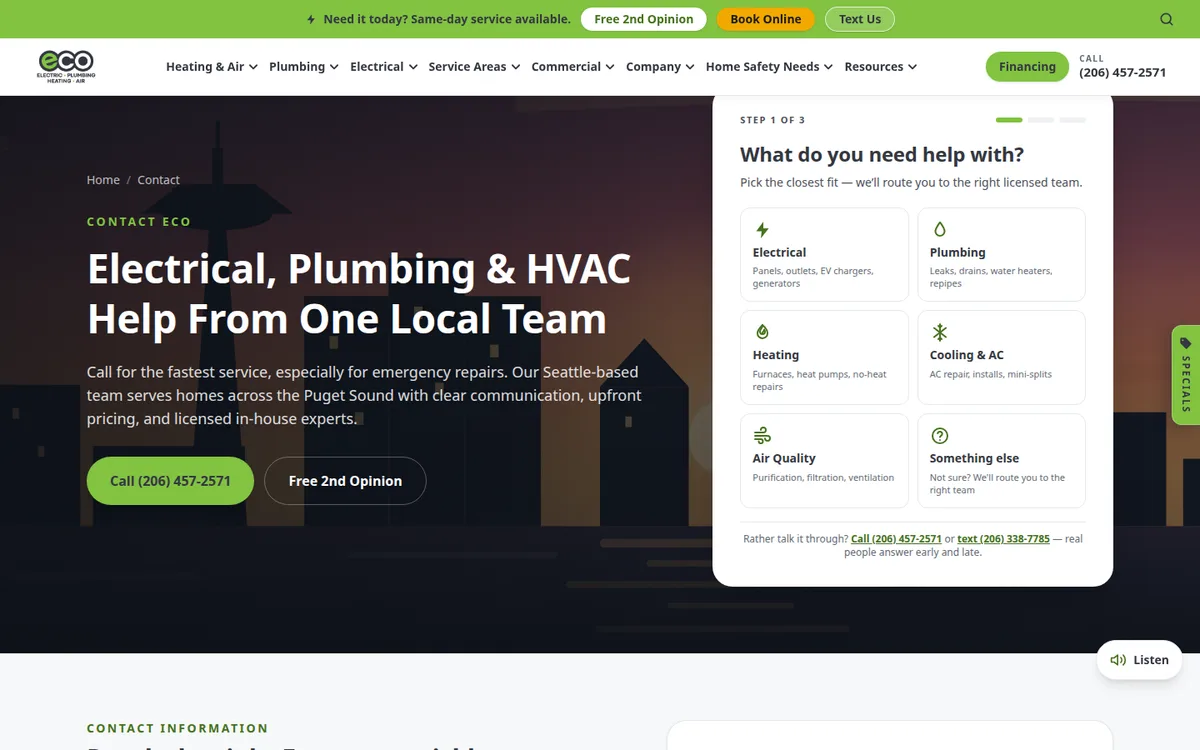 Operations
Three-Step Booking Wizard
A native trade → location → details booking wizard with split TCPA consent — the low-friction request path for contractors who aren't ready for live FSM booking yet.
$2,040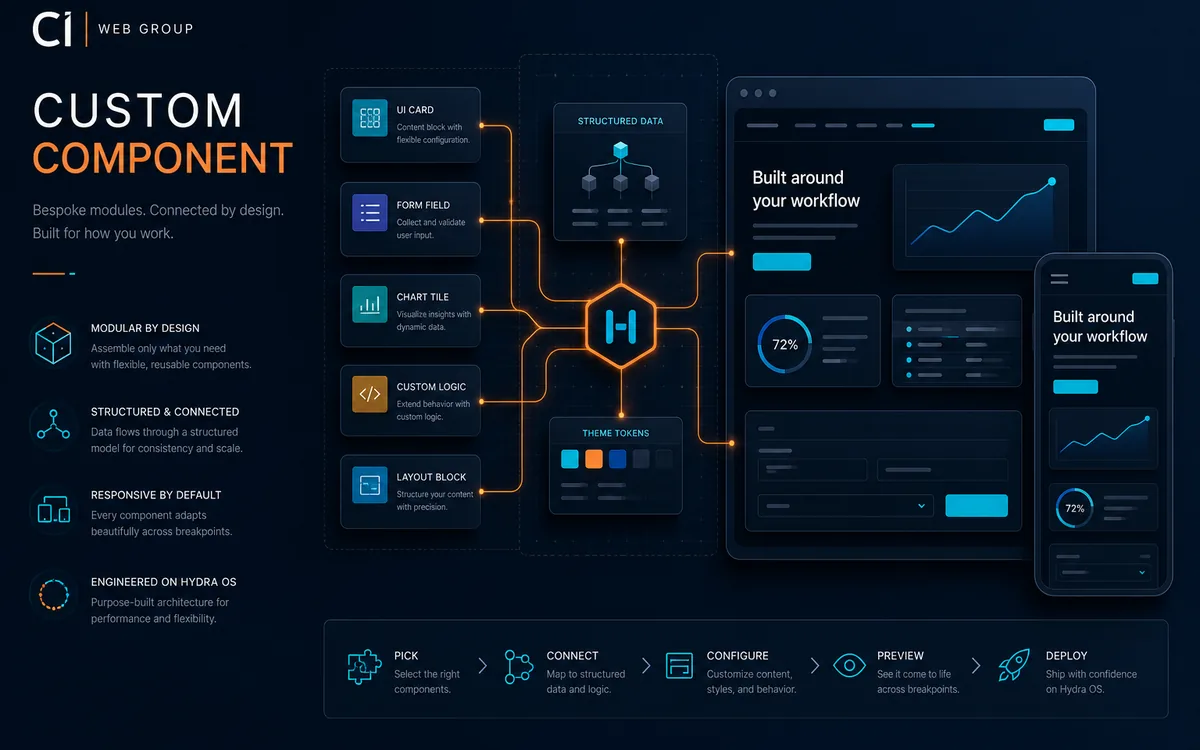 Operations
Custom Component
A bespoke Hydra Build Component scoped from your LLM specifications document — $2,000 deposit to start, with final credits and timeline confirmed after our review.
$2,000
Add Capacity Leveling Visualizer to your website.
$2,040 one-time · 8–12 business days · nothing billed until scope is confirmed and you approve the quote.